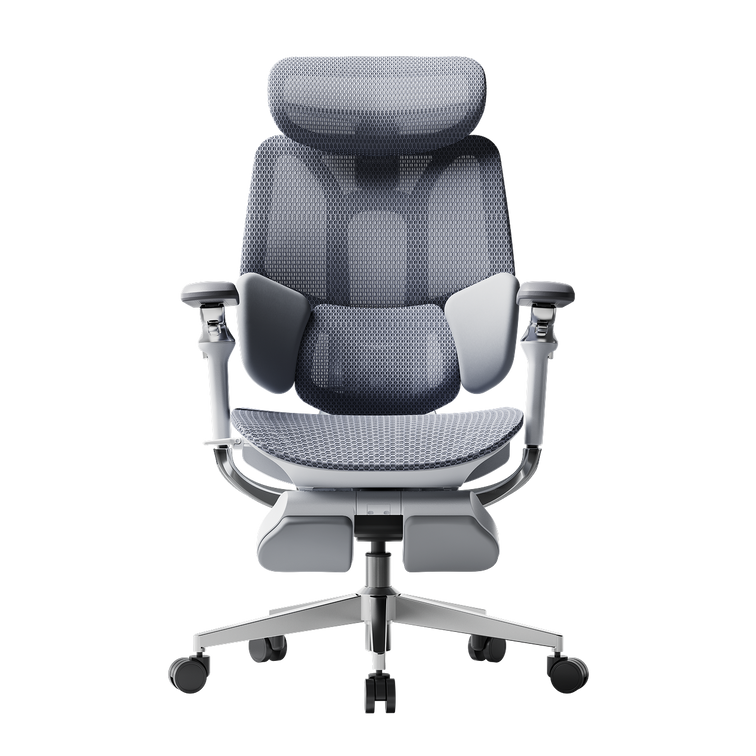
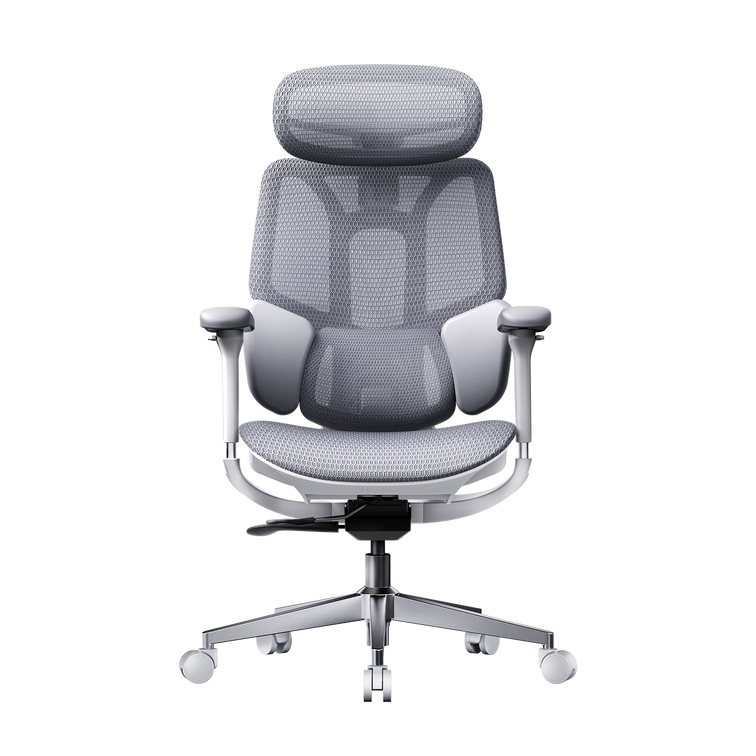
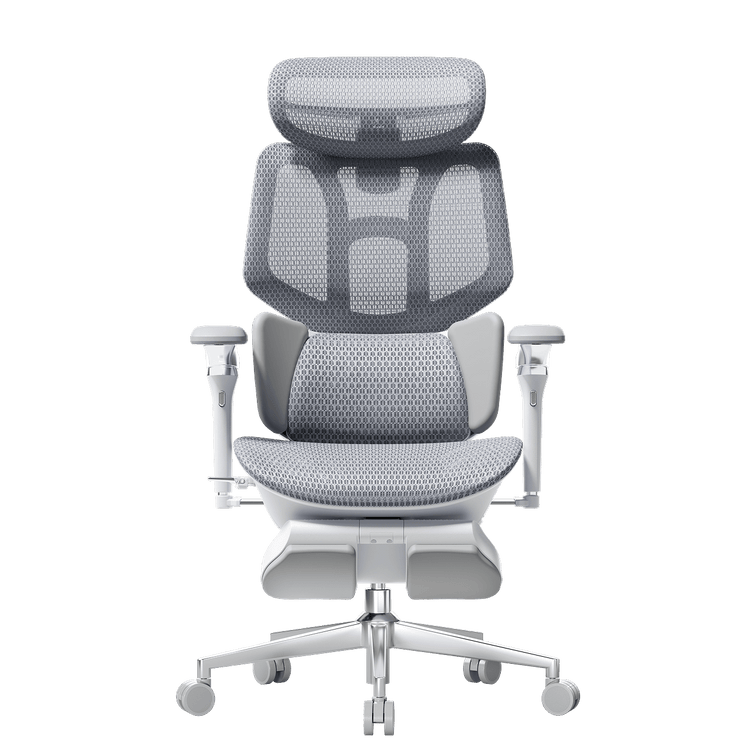
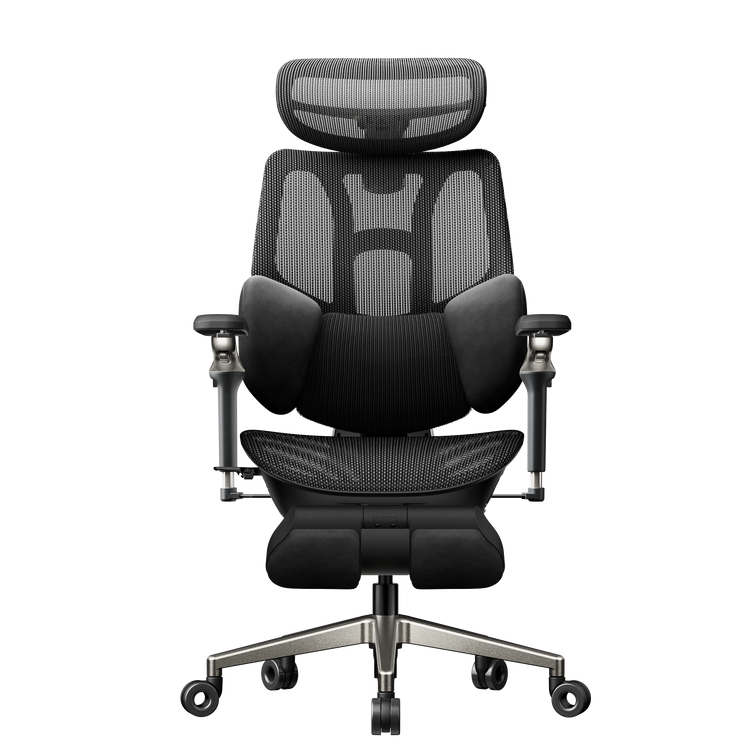



How to Choose the Right HBADA Ergonomic Chair for You
A practical selection guide based on feature comparisons—choose by budget, key functions, and your real-life sitting pain points. (Models covered: X7 Smart, E3 Pro, E3 Ultra, E3 Air, P2, E2)
When shopping for an ergonomic chair, the most common regret isn’t “I paid too much.” It’s “I bought the wrong chair for my body and my daily use.” Many people chase softness, when the real issue is lumbar support; others buy a big recline angle, but still end up with tight shoulders because the armrests don’t align with their desk setup.
- What’s your budget range?
- Which features matter most to you?
- Which discomfort do you want to fix first (lower back, shoulders/neck, leg numbness, rest)?
Table of Contents
1) Before You Buy: What Are You Really Trying to Solve?
Ergonomic chairs aren’t “the more expensive, the better.” The best chair is the one that fits your daily routine. Start by identifying your primary scenario:
- Lower-back fatigue after a short time: you need stronger lumbar support and better fit.
- Shoulder/neck tightness or arm fatigue: your armrests likely can’t match your desk posture.
- Leg numbness or pressure on thighs: seat depth adjustment becomes a major factor.
- Want real relaxation (not just “it reclines”): recline stages + footrest matter.
Tip: This guide focuses on comfort and posture support. It does not make medical claims. If you have a medical condition, consider professional advice.
2) The Four Features That Make (or Break) Comfort
2.1 Lumbar System (Lower-Back Support)
- X7 Smart: 6D adjustment + Smart Lumbar Tracking + additional massage/heating.
- E3 Pro / E3 Ultra / E3 Air: 8D lumbar adjustment (more fine-tuning for fit).
- P2 / E2: more basic support options (best for budget or lighter usage).
2.2 Armrest Adjustment (Shoulders & Neck)
Armrests aren’t a “bonus.” They’re how you keep elbows supported without shrugging.
- X7 Smart: 720° omni-adjustment armrests (maximum range).
- E3 Pro: 6-way armrests (balanced for typical office setups).
- E3 Ultra: 360° multi-direction armrests (good for frequent posture changes).
- E3 Air / E2: 3-way armrests (everyday essentials).
- P2: 3-way or 6-way depending on the version.
2.3 Seat Depth Adjustment (Leg Comfort & Posture Stability)
- X7 Smart: seat depth adjustable (4.5 cm).
- E3 Pro / E3 Ultra / E3 Air: seat depth adjustable (5 cm).
- P2 / E2: no seat depth adjustment.
If you sit 6+ hours per day or your body size doesn’t feel “average,” seat depth adjustment is often the upgrade that changes everything.
2.4 Rest & Recline (How Well You Can Actually Relax)
- X7 / E3 Pro / E3 Ultra / E3 Air: 4-stage recline, up to 140°.
- P2: 3-stage recline, up to 140°.
- E2: 3-stage recline, up to 135°.
Footrest (built-in): X7 / E3 Ultra / E3 Air. (E3 Pro / P2 / E2: optional)
| Most impactful upgrades | In most cases: lumbar support → armrests → seat depth → recline/footrest |
|---|---|
| If you want real breaks | Prioritize built-in footrest + multi-stage recline (X7 / E3 Ultra / E3 Air) |
| If you type/mouse a lot | Prioritize higher armrest adjustability (X7 / E3 Pro / E3 Ultra) |
3) Choose by Pain Point
3.1 “My lower back gets tired fast. I want more direct relief.”
Recommended: HBADA X7 Smart
- Highlights: Smart lumbar tracking + 3-level massage + 3-level heating
- Best for: intensive desk work, long sitting sessions, and people who want immediate relaxation features
If you don’t need massage/heating but still want highly adjustable lumbar fit: E3 Pro / E3 Ultra / E3 Air (8D lumbar) are strong choices.
3.2 “My shoulders/neck feel tight. I shrug without noticing.”
Prioritize armrest range first:
- X7 Smart: widest adjustment range for desk + keyboard alignment
- E3 Pro: practical all-round solution for office work
- E3 Ultra: great if you switch between work, gaming, and lounging
3.3 “My legs go numb. Seat pressure builds up.”
Prioritize seat depth adjustment:
- X7 Smart / E3 Pro / E3 Ultra / E3 Air (seat depth adjustable)
- P2 / E2 may feel limiting if leg numbness is a recurring issue
3.4 “I want to rest properly—more than just a basic recline.”
For real relaxation, look for built-in footrest + multi-stage recline: X7 Smart / E3 Ultra / E3 Air.
If you only recline occasionally, E3 Pro (footrest optional) or P2 can still cover the basics.
4) Choose by Budget
Instead of chasing “the most expensive,” invest where you’ll feel it every day: lumbar fit, armrest alignment, and seat depth (for long sitting).
Higher Budget: Go All-In on Features
HBADA X7 Smart
- Smart lumbar tracking + massage/heating
- 720° armrests + footrest
- Ventilated seat cushion design (dual fans, 3 levels)
Upper Mid: Premium Comfort & More Customization
HBADA E3 Ultra
- 8D lumbar + 360° armrests
- Footrest + seat depth adjustment
- Designed for users who value flexibility and comfort details
Mid Budget: Professional, Balanced, Low-Regret Pick
HBADA E3 Pro
- 8D lumbar + 6-way armrests
- Seat depth adjustable + 4-stage recline (up to 140°)
- Footrest optional
Budget-Smart: Keep Core Ergonomics Without Over-Spending
HBADA E3 Air
- 8D lumbar + seat depth adjustable
- 4-stage recline + built-in footrest
- Strong value if you want adjustability and rest capability
Entry Level: Build Basic Support First
HBADA P2 / HBADA E2
- Best for lighter use, shorter sitting time, or strict budgets
- P2 leans toward adaptive ergonomics; E2 is a straightforward home-office option
5) One-Minute Quick Picks
X7 Smart
For intensive sitting and those who want the most direct comfort features.
- Smart lumbar tracking
- 3-level massage + heating
- 720° armrests + built-in footrest
E3 Pro
A professional, low-regret option for daily office use.
- 8D lumbar
- 6-way armrests
- Seat depth adjustable
E3 Ultra
For users who change posture often and want more freedom.
- 360° armrests
- Footrest + seat depth adjustable
- Premium comfort focus
E3 Air
Core adjustability + built-in footrest at a budget-friendly level.
- 8D lumbar
- Seat depth adjustable
- Footrest included
P2
For budget-first shoppers who still want ergonomic basics.
- Adaptive lumbar options
- Armrests vary by version
- Great starter pick
E2
Easy, everyday comfort for lighter work-from-home needs.
- Simple setup
- Basic ergonomic support
- Good for casual use
6) FAQs: Details People Often Miss
Which feature should I upgrade first?
For most desk workers: lumbar support comes first, then armrests, then seat depth, and finally recline/footrest—unless rest breaks are your top priority.
I’m not “average height.” What should I watch for?
Seat depth adjustment and broader adjustment ranges help the chair fit you better. If you sit long hours, prioritize models with seat depth adjustment (X7 / E3 series).
I only sit occasionally—do I need an advanced model?
If your daily sitting time is lower, entry models can work well. If you regularly sit for long sessions, higher adjustability tends to pay off over time.