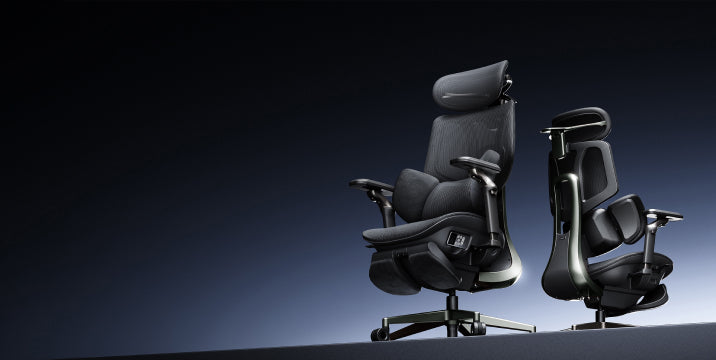




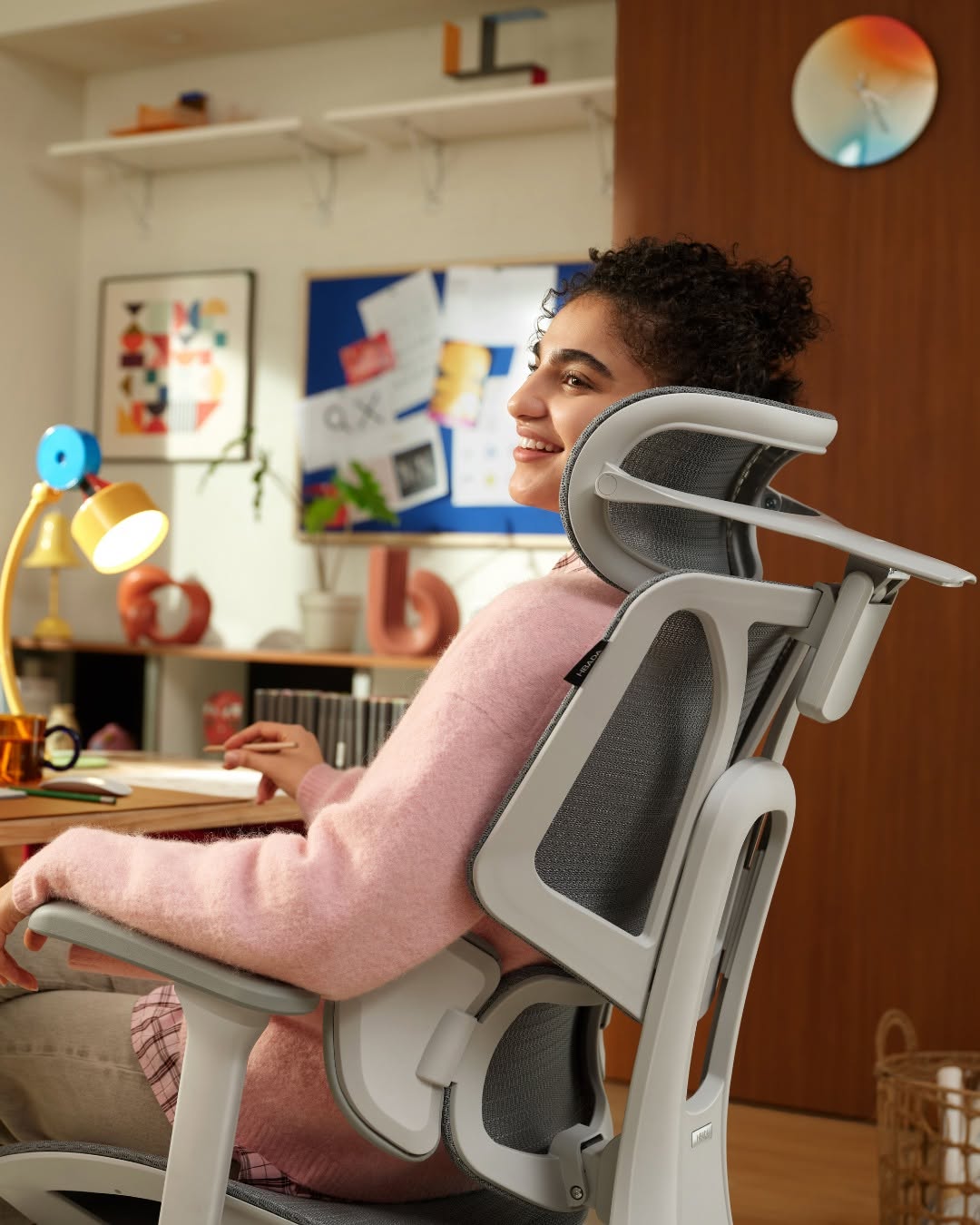
If you end your workday with shoulder or neck discomfort, your armrests may be the cause. Though often overlooked, their position is crucial for offloading upper-body weight. Misaligned armrests make your muscles work harder, leading to strain. Here are five ways your chair setup may harm your shoulders, along with how to correct them.

Shoulder Elevation and “The Shrug” Effect
One of the most common issues occurs when armrests are set too high. This forces your shoulders into a permanent “shrug,” compressing the trapezius muscles and restricting blood flow to your neck. Over several hours, this static tension leads to severe stiffness and tension headaches.
The Fix: Precise Height Calibration
To achieve ergonomic armrests for shoulder relief and posture alignment, lower the supports until your shoulders drop into a natural, relaxed position. Your elbows should form about a 90-degree angle as your forearms rest on the pads. If you find your chair’s increments too large, you may need an ergonomic chair with precise armrest positioning to find the perfect, stress-free height.
Wide Armrest “Wingspan” and Rotator Cuff Strain
Many standard office chairs often have armrests that are too wide. This forces your arms out, causing your shoulder blades to move away from your spine. This stresses the rotator cuff and surrounding tendons.
The Fix: Inward Pivot Adjustments
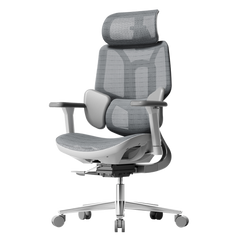
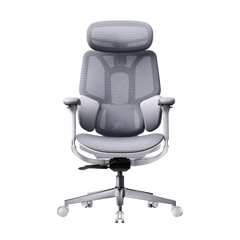
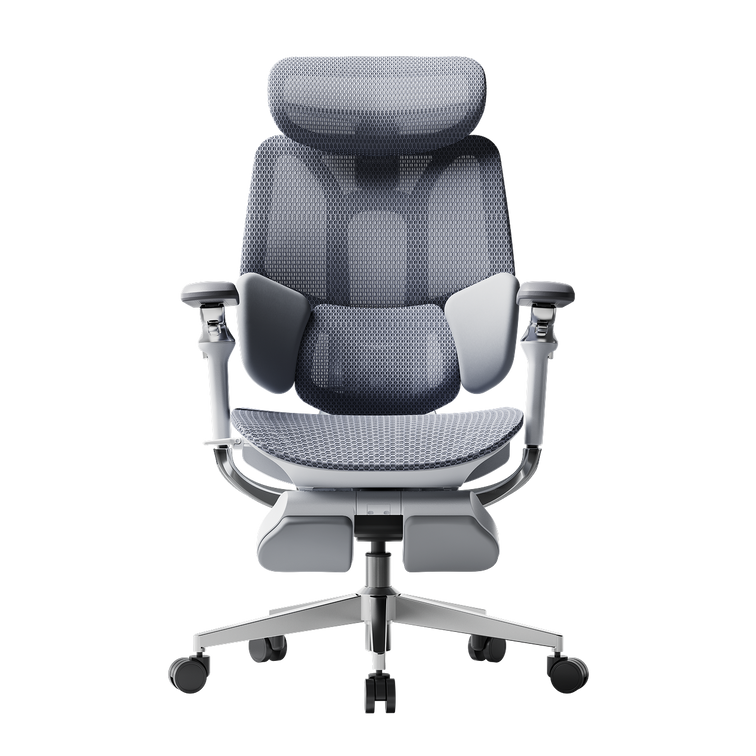
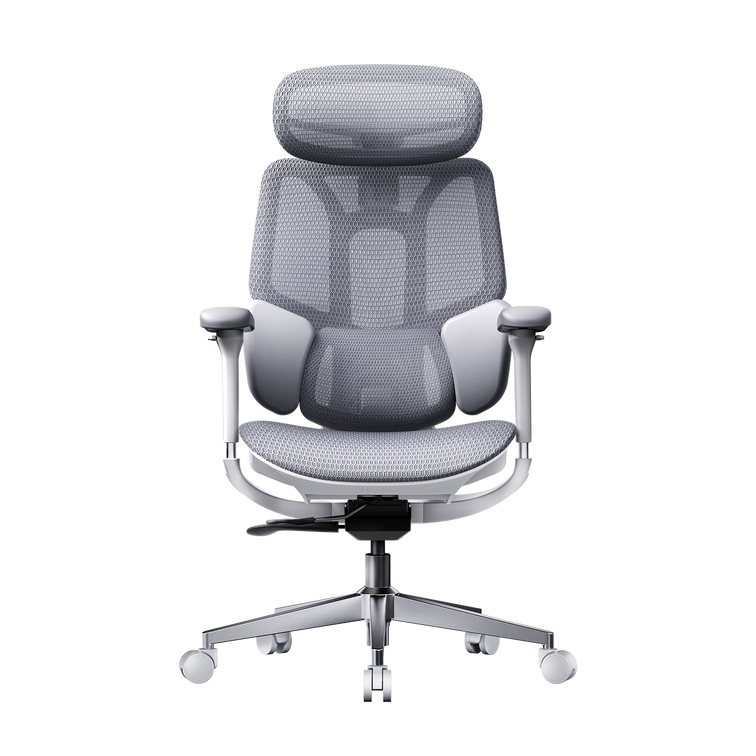
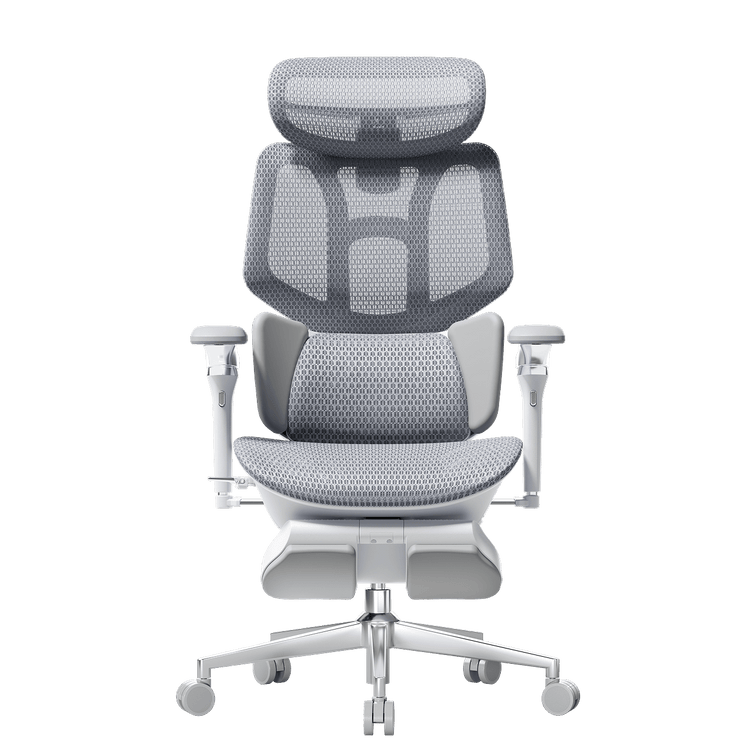
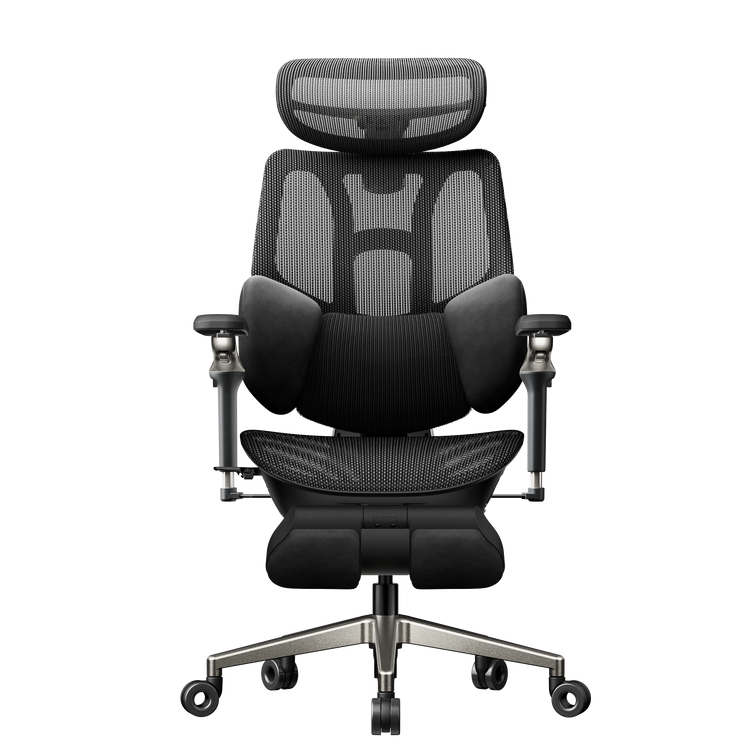
Choose an Hbada office chair with multidirectional armrest adjustment that allows the pads to pivot inward. By bringing the armrests closer to your torso, your elbows stay tucked by your sides. This keeps your humerus (upper arm bone) securely in the shoulder socket, preventing the long-term wear and tear associated with reaching.
The “Floating Arm” Syndrome
When armrests are too low or missing entirely, your shoulders must bear the full weight of your arms—roughly 10% of your total body weight. This constant downward pull strains the ligaments and causes “slumping,” in which your chest collapses forward, disrupting your spinal alignment.
The Fix: Full Support for Long Hours
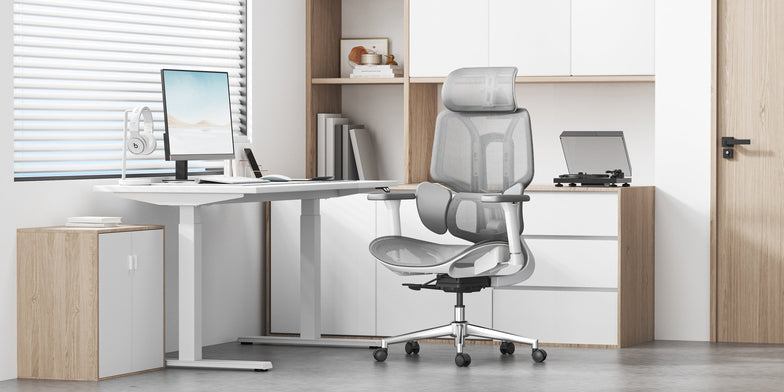
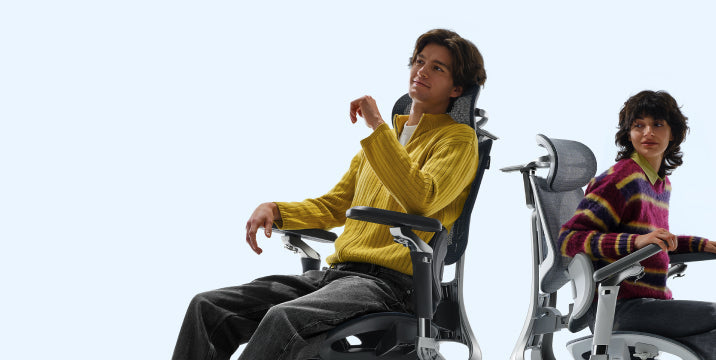
If you are struggling with how to fix shoulder pain from an office chair, the answer is consistent weight distribution. Using an adjustable armrest ergonomic chair for long hours ensures your arms are always supported, whether you are leaning back to read or sitting upright to type. Our premium ergonomic chair with full-arm support adjustment offers the range you need to bridge the gap between your body and your desk.
Interference with Desk Proximity
If your armrests hit the edge of your desk, you are forced to sit too far away from your keyboard. This causes you to lean forward and hunch your back, which is a leading cause of both shoulder impingement and lower back issues.
The Fix: Symmetrical Alignment and Core Engagement
Even when using an ergonomic chair with adjustable armrests for shoulder pain, you must remain mindful of your balance. Set both armrests to the exact same height and width. This encourages a centered sitting position, which is especially important when managing complex issues. For example, when considering the best sitting position for a herniated disc, symmetry is key to evenly distributing pressure across your spinal discs.

Uneven Loading and Postural Lean
Most people have a dominant hand, leading them to lean heavily on one armrest while the other “floats.” This creates a pelvic tilt and an asymmetrical shoulder line, which can eventually contribute to scoliosis-like symptoms or aggravate existing spinal conditions.
The Fix: Symmetrical Alignment and Core Engagement
Even when using an ergonomic chair with adjustable armrests for shoulder pain, you must remain mindful of your balance. Set both armrests to the exact same height and width. This encourages a centered sitting position, which is especially important when managing complex issues. For example, when considering the best sitting position for a herniated disc, symmetry is key to evenly distributing pressure across your spinal discs.
Hbada Armrest Technology Comparison
We engineer our products to provide active relief. Whether you are dealing with minor tension or chronic pain, our armrest technology is designed to adapt to your unique biomechanics.
Frequently Asked Questions (FAQ)
Q: How do I know if my armrests are at the right height?
A: Your armrests are correct if your shoulders are relaxed and your elbows are at 90 degrees. You should reach your keyboard without lifting your shoulders or dropping your elbows.
Q: Should I use armrests while typing?
A: Yes, use armrests while typing. They support your arms, reducing strain on your back and neck.
Q: Can the armrest position affect my lower back?
A: Yes. Poor armrest position forces you to slouch, stressing your lower back.
Q: What is the benefit of a “multi-directional” armrest
A: Multi-directional armrests adjust height, width, depth, and pivot, adapting for different tasks and users.
Q: Can a better chair help with a herniated disc?
A: While not a cure, ergonomic chairs support your spine and help relieve disc pressure.
Conclusion
Your shoulders carry enough stress; your office chair shouldn’t add to it. By identifying these five common armrest mistakes, you can take immediate action to align your body and eliminate workday pain. Remember that true ergonomic comfort comes from a chair that adjusts to you, not the other way around. Invest in a solution with multi-directional armrest adjustment today, and give your shoulders the relief they deserve so you can focus on what truly matters, your work and your well-being.
For more information, please click here:
https://www.hbada.uk/products/hbada-e3-ergonomic-office-chair-whiteZ
https://www.hbada.uk/products/hbada-e3-ergonomic-office-chair-with-footrest-white
https://www.hbada.uk/products/hbada-x7-smart-ergonomic-chair